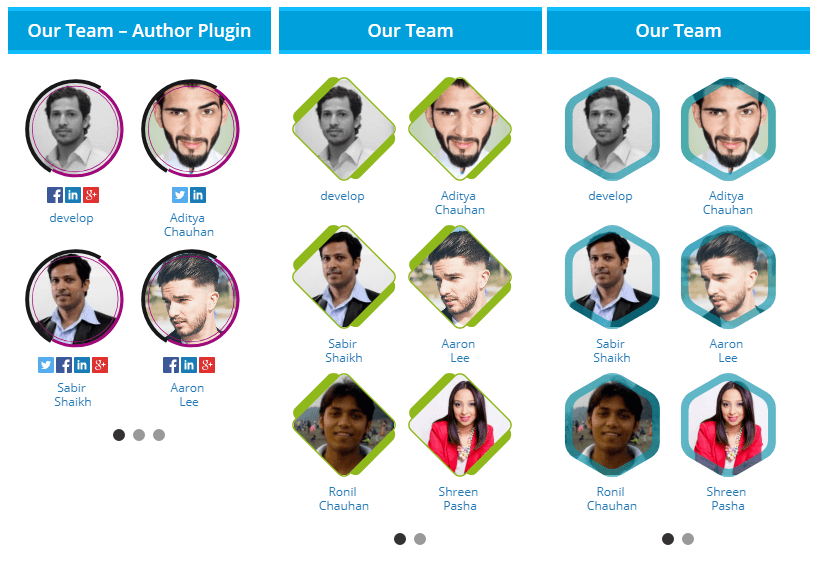
Click here Step 1: Go to Widget:-> Find "Author Avatar List" -> Drag and drop wherever you want to display and fill the value. Here is the link for tutorial link
For more information click here : http://themefantasy.com/plugin/wordpress-author-plugin-widget/
* Version: 1.5
* Tested up to: 4.9.8
* Author: Themefantasy
* Author URI: http://themefantasy.com/plugin/wordpress-author-plugin-widget/
*
*/
/**
* Add function to widgets_init that'll load our widget.
*/
add_action( 'widgets_init', 'sab_author_widgets' );
function sab_author_widgets() {
register_widget( 'sab_author_widget' );
}
/**
* This class handles everything that needs to be handled with the widget:
* the settings, form, display, and update. Nice!
*
*/
class sab_author_widget extends WP_Widget {
/**
* Widget setup.
*/
function sab_author_widget() {
/* Widget settings. */
$widget_ops = array( 'classname' => 'sab_author_widget', 'description' => __('Display Author Avatars list.', 'sabir') );
/* Widget control settings. */
//$control_ops = array( 'width' => 300, 'height' => 350, 'id_base' => 'lt_300x250_widget' );
/* Create the widget. */
$this->WP_Widget( 'sab_author_widget', __('Author Avatars List', 'sabir'), $widget_ops, $control_ops );
}
/**
*display the widget on the screen.
*/
function widget( $args, $instance ) {
extract( $args );
$title = apply_filters('widget_title', $instance['title'] );
/* Before widget (defined by themes). */
echo $before_widget;
/* Display the widget title if one was input (before and after defined by themes). */
if ( $title )
{
echo $before_title . $title . $after_title;
}
else
{
echo $before_title . 'Author Profile' . $after_title;
}
?>
base_prefix;
$table_prefix.="users";
$table_prefix1.=$wpdb->base_prefix;
$table_prefix1.="posts";
$get_results="SELECT count(p.post_author) as post1,c.id, c.user_login, c.display_name, c.user_email, c.user_url, c.user_registered FROM {$table_prefix} as c , {$table_prefix1} as p {$where} and p.post_type = 'post' AND p.post_status = 'publish' and c.id=p.post_author GROUP BY p.post_author order by post1 DESC limit {$author_numbers} ";
$comment_counts = (array) $wpdb->get_results("{$get_results}", object);
?>
Thanks for using our Plugin - I hope you found it helpful.
";
$message .="
Please do not hesitate to let me know if you have any questions or concerns regarding this Author Plugin,
I'll be happy to help you a time of my earliest convenience.
";
$message .="
You can also reach us via Skype live chat on wpdeveloperanddesigner or email as at info@themefantasy.com.


 .
.